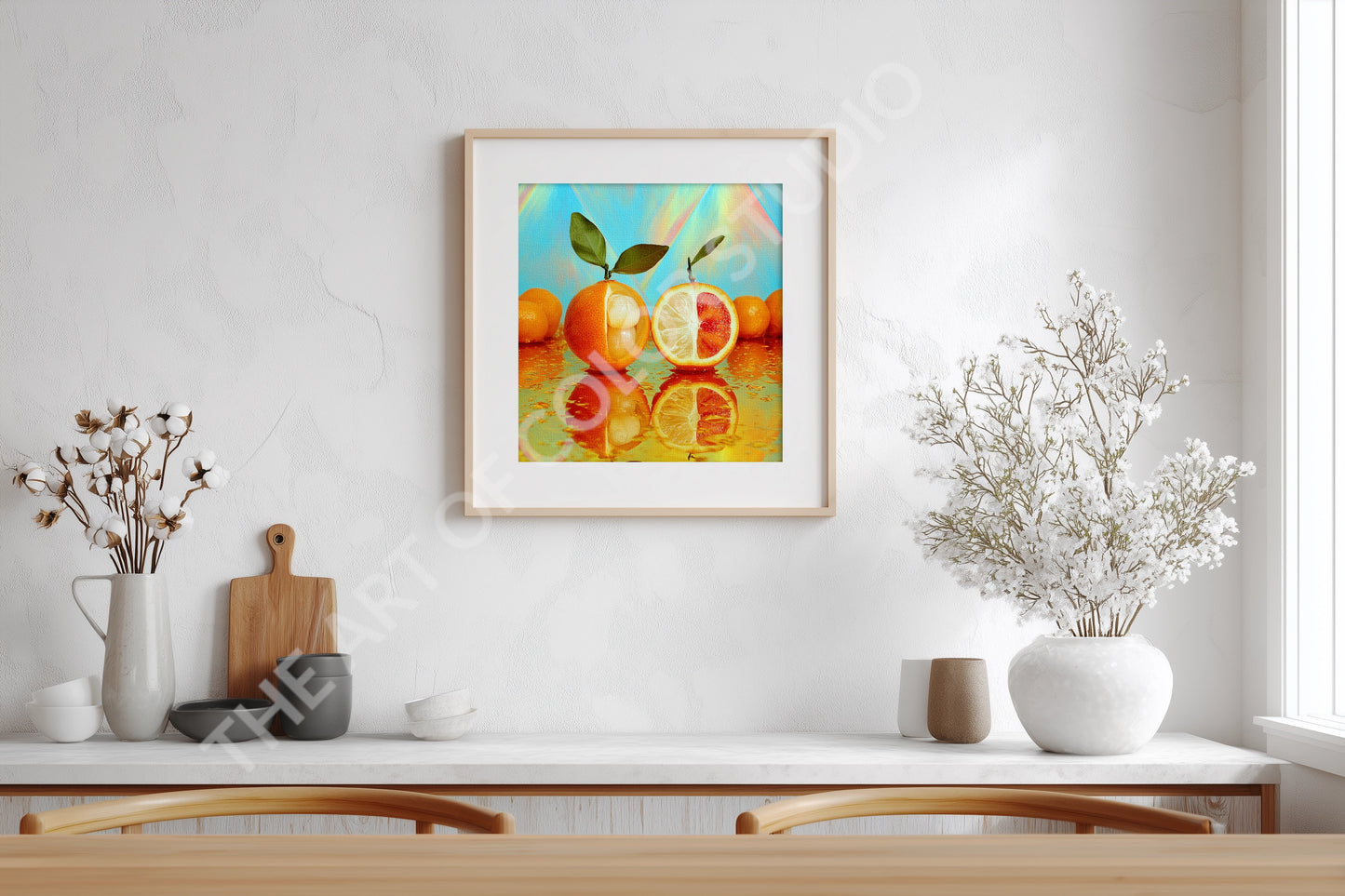
Two fruits gleam on a mirrored surface—one partially peeled to reveal a smooth, hydrating interior; the other halved, its segments split between pale citrus and blood-red glow. Green leaves crown their surreal anatomy, while the vibrant backdrop amplifies their solar pulse. Solaraquat 16 is the sixteenth iteration of imagined fruit: a hybrid of citrus and tropical aquatic fruit, known for its radiant peel and hydrating sweetness. It doesn’t just refresh—it gleams.
For those who archive in hybrid, ritualize hydration, and prefer their fruit to shimmer with both botanical contradiction and mythic clarity.
Perfect for kitchen, dining, or hallway spaces.
- Square format, 1:1 aspect ratio
- High-resolution digital print
- Cross-platform compatibility
- Downloadable upon purchase
No need to choose — all sizes are included.Â
After purchase, you’ll receive a download link via email. If you have any trouble, please feel free to reach out.
✦✦✦
📦 Zip File Contents
Each download includes high-resolution PNG images in six sizes, all at 300 dpi — ideal for printing. Standard includes:Â
-
1800×1800 px — for crisp 6"×6" prints
-
2400×2400 px — for vibrant 8"×8" prints
-
3000×3000 px — for detailed 10"×10" prints
-
3600×3600 px — for mid-size 12"×12" prints
-
4800×4800 px — for gallery-ready 16"×16" prints
-
6000×6000 px — for 20"×20" statement piece
Extreme includes an additional supersized 40"×40" PNG so you can crop the image to fit any frame size you desire while maintaining maximum quality. Please note Extreme is about double the file size (MB) of Standard.
Files are delivered in a ZIP folder for easy access and organization.
✦✦✦
ðŸ–¨ï¸ How to Print
- You can print these images at home using photo paper or cardstock, or upload them to a local photo lab or online service.
- Most labs accept PNGs and offer square format options — just choose your preferred size and finish.
✦✦✦
🧾 Helpful Notes
- No physical item will be shipped — this is a digital download.
- Colors may vary slightly depending on your screen and printer settings.
- For best results, use matte or satin photo paper and select borderless printing if available.