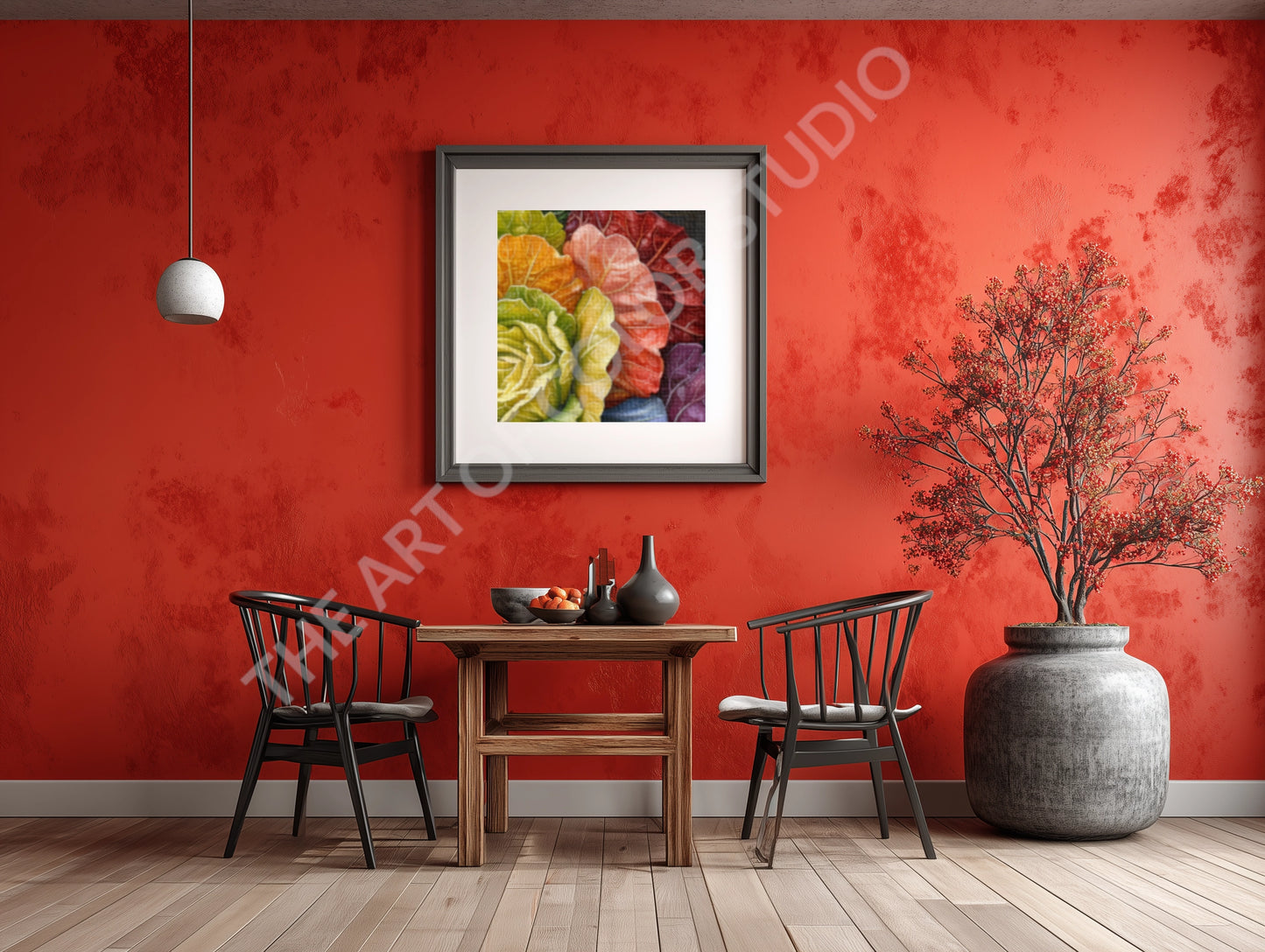
Romaine One is a digital artwork featuring a stylized romaine lettuce, arranged in a circular bloom of layered leaves. The composition radiates outward in a gradient spectrum of green, yellow, orange, red, pink, lavender, and deep purple, creating a floral geometry from botanical form.
Set against a textured dark background, the romaine’s vivid palette and symmetrical structure evoke both natural elegance and surreal clarity. Each leaf appears sculpted by light, inviting the viewer into a moment of quiet abundance and visual harmony.
A modular digital image delivered in multiple resolutions, this piece is suitable for personal use, digital display, or inclusion in curated visual archives.
No need to choose — all sizes are included. Compatible with Windows, macOS, iOS, and Android.
After purchase, you’ll receive a download link via email. If you have any trouble, please feel free to reach out.
✦✦✦
📦 Zip File Contents
Each download includes high-resolution PNG images in six sizes, all at 300 dpi — ideal for printing. Standard includes:Â
-
1800×1800 px — for crisp 6"×6" prints
-
2400×2400 px — for vibrant 8"×8" prints
-
3000×3000 px — for detailed 10"×10" prints
-
3600×3600 px — for mid-size 12"×12" prints
-
4800×4800 px — for gallery-ready 16"×16" prints
-
6000×6000 px — for 20"×20" statement piece
Extreme includes an additional supersized 40"×40" PNG so you can crop the image to fit any frame size you desire while maintaining maximum quality. Please note Extreme is about double the file size (MB) of Standard.
Files are delivered in a ZIP folder for easy access and organization.
✦✦✦
ðŸ–¨ï¸ How to Print
- You can print these images at home using photo paper or cardstock, or upload them to a local photo lab or online service.
- Most labs accept PNGs and offer square format options — just choose your preferred size and finish.
✦✦✦
🧾 Helpful Notes
- No physical item will be shipped — this is a digital download.
- Colors may vary slightly depending on your screen and printer settings.
- For best results, use matte or satin photo paper and select borderless printing if available.